

Step 1: Visit the Platform
Go to https://publisher.miratsquanto.com/ and click on Get Started to register yourself as a publisher.Step 2: Fill in Your Details
Follow the steps below to complete your registration and set up your workspace.Workspace Setup
You will be prompted to provide some essential details to set up your workspace:- Organization Name: Enter your organization’s name.
- Country: Select the country of your organization from the dropdown.
Step 3: Finance Details
Next, you will be asked to provide financial details for auto-generating invoices:- Legal Name: Enter your organization’s legal name.
- Incorporation ID/Number: Provide your organization’s incorporation number or ID.
- Tax Type: Select the applicable tax type for your organization.
- Tax ID: Enter your organization’s tax identification number.
- Billing Address: Add your organization’s billing address.
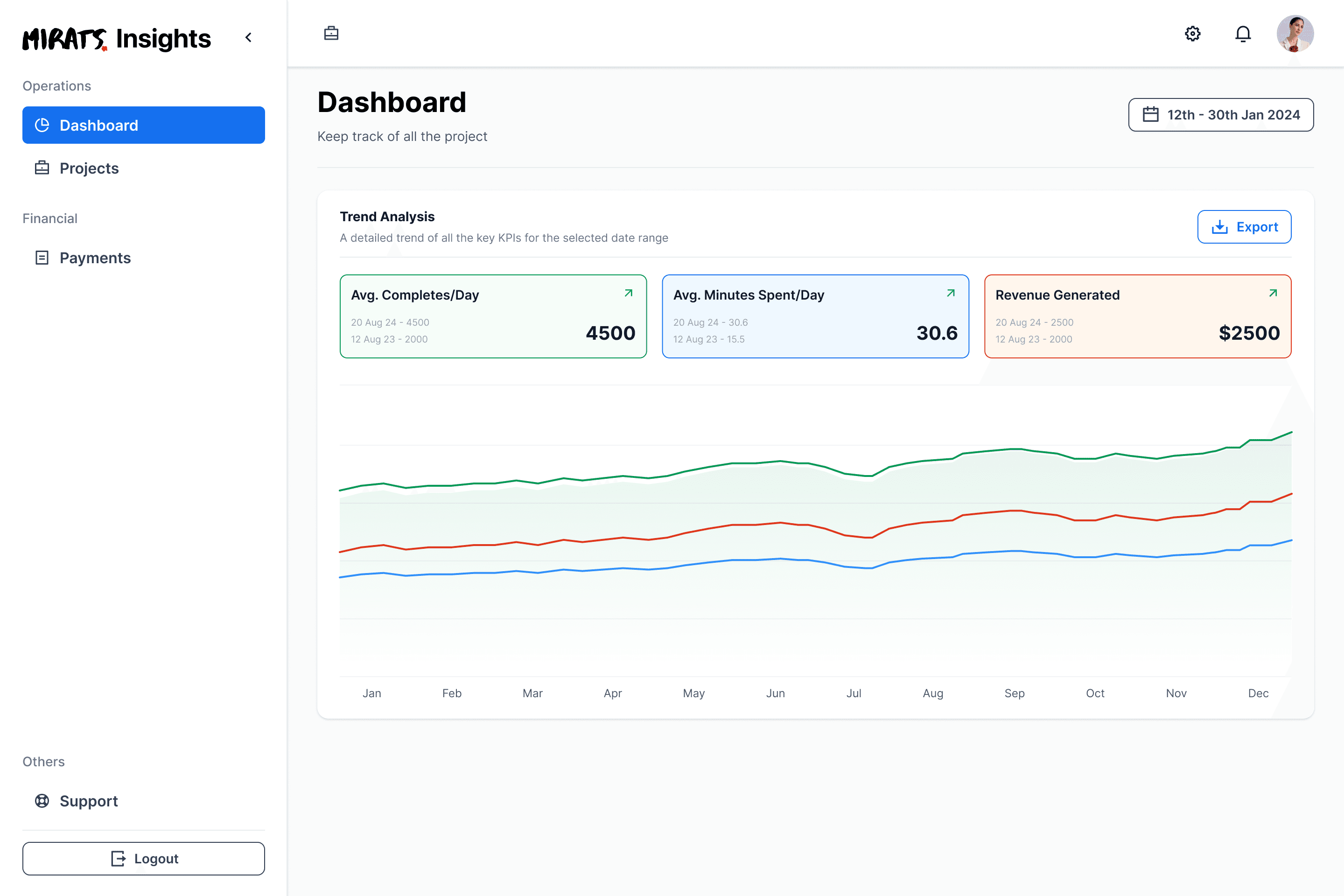
Step 4: Access the Dashboard
Once all details are saved, your dashboard will be ready! From the dashboard, you can view your project KPIs, including:- Completes
- Average Session Time
- Revenue Generated